Built for speed and peace of mind
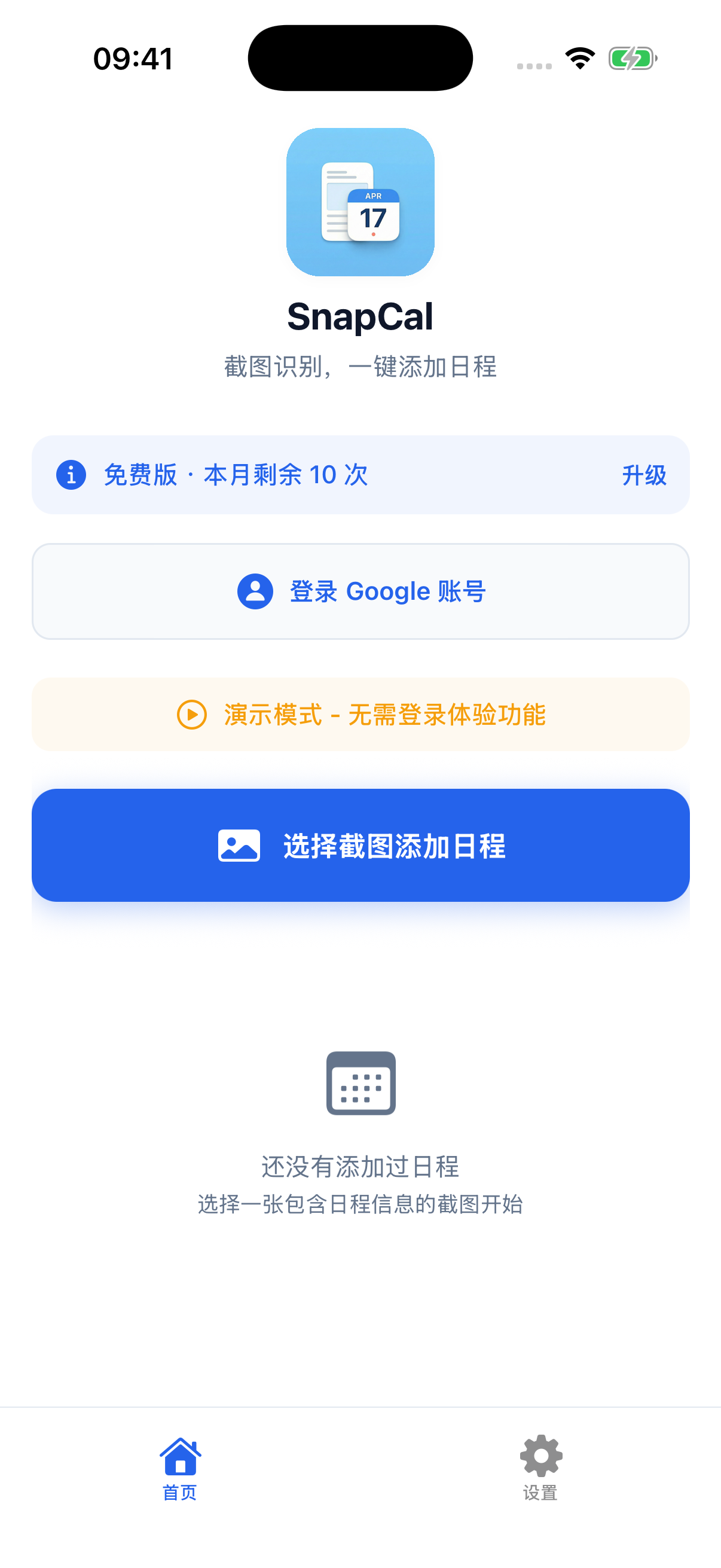
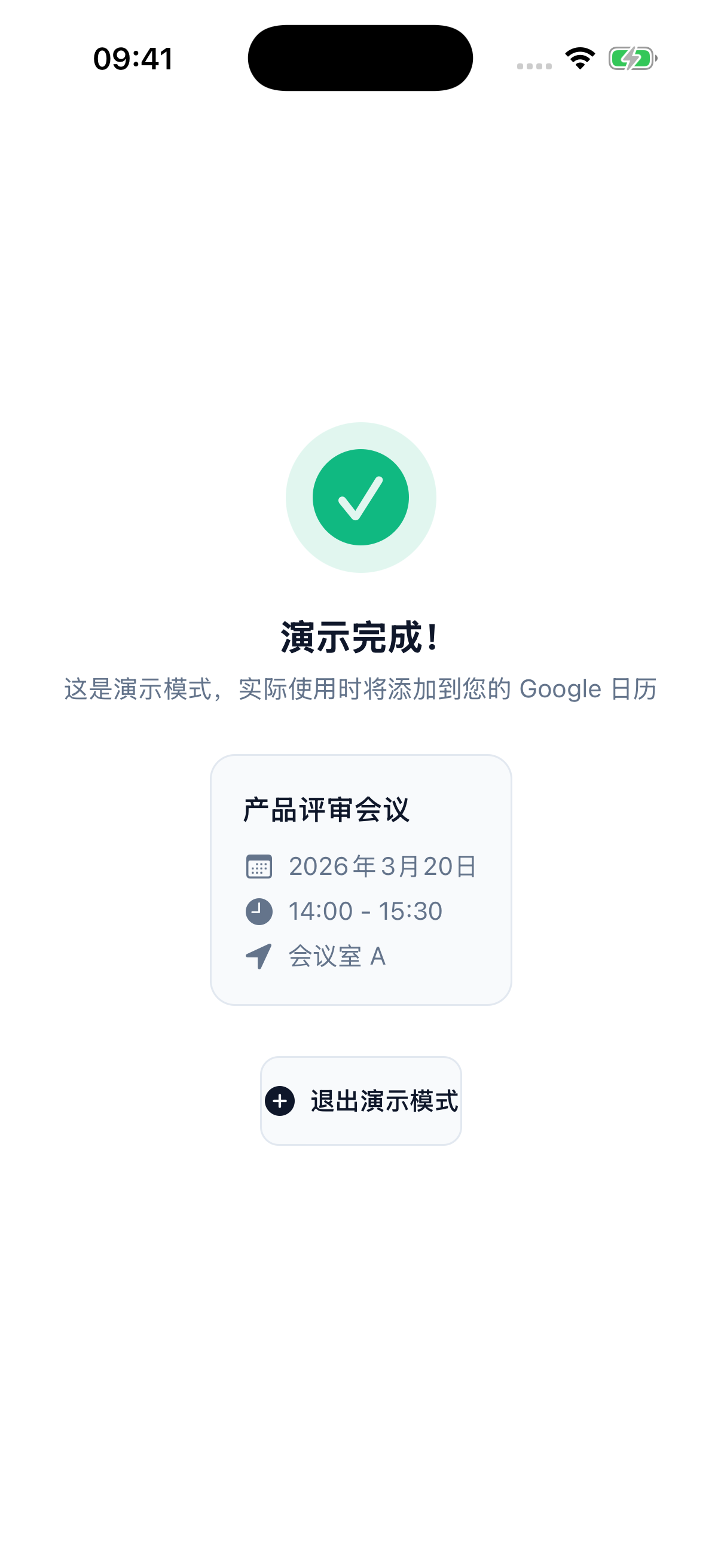
SnapCal does one thing and does it well: get the events off your screen and into your calendar with zero friction.
Multi-calendar sync
One read can write to Google Calendar, Lark, Outlook (Microsoft 365), and your local iPhone calendar at once — work and personal in one place.
Read in seconds
Common cases take a dedicated fast path — about as long as a glance.
Privacy-first
Text recognition runs on your device; typically only the needed text is sent — not your whole screenshot. We never sell your data.
Understands any source
Chat, posters, email, tickets, meeting notices — neat or messy layouts, it pulls out the key details.
Straight from Share
No need to save the image or even open the app. Tap Share in any app, send the screenshot to SnapCal, and the event lands on your calendar on the spot.
 SnapCal
→
On calendar
SnapCal
→
On calendar
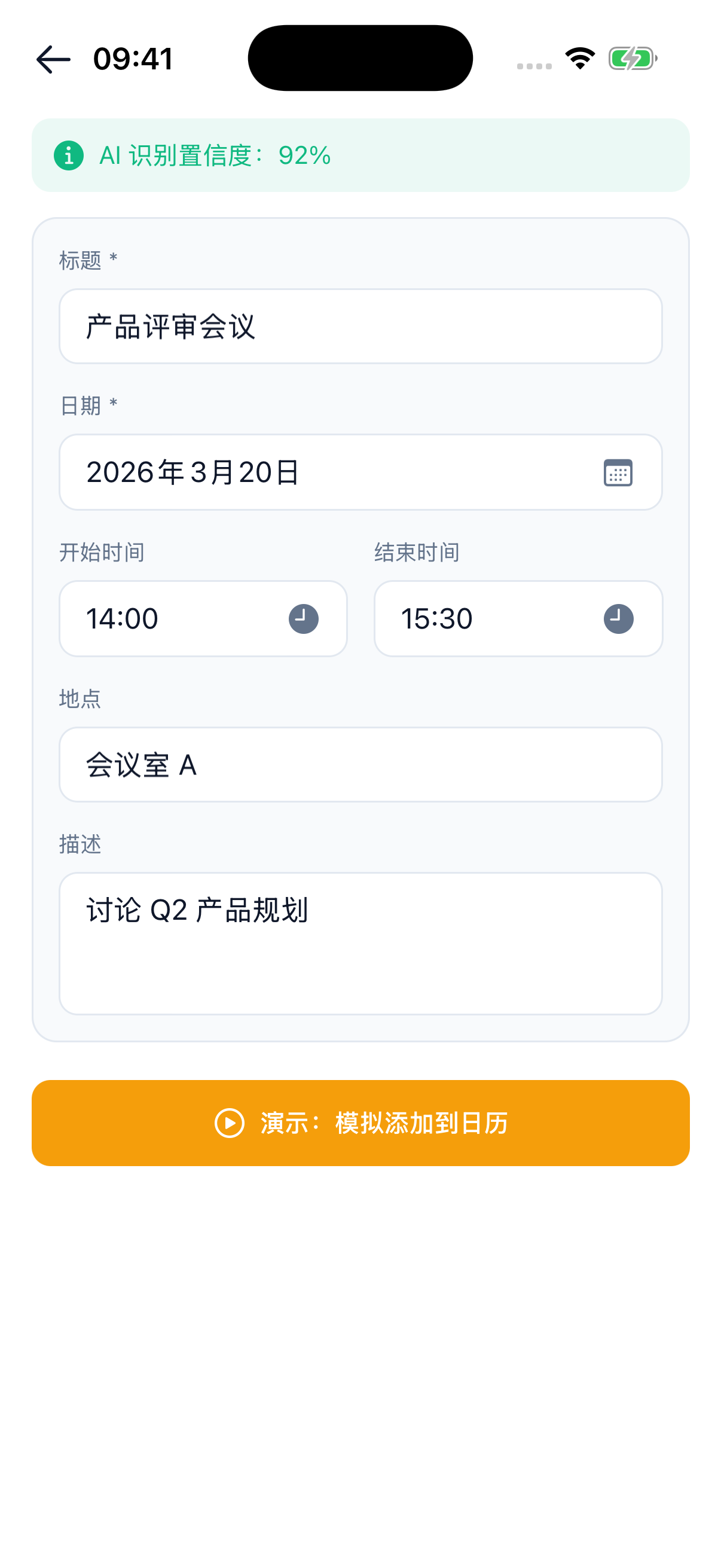
Confirm before it saves
Results come with a confidence score and every field is editable. When the AI isn't sure, you decide — never a wrong event saved silently.